Translate image to English

Translate image to English without retyping a word: upload a photo, screenshot or graphic in any language and get the same picture back with its text rewritten in English, keeping the layout, font style, colours and background. A text panel lists every original line next to its English translation, ready to copy or download.

Updated

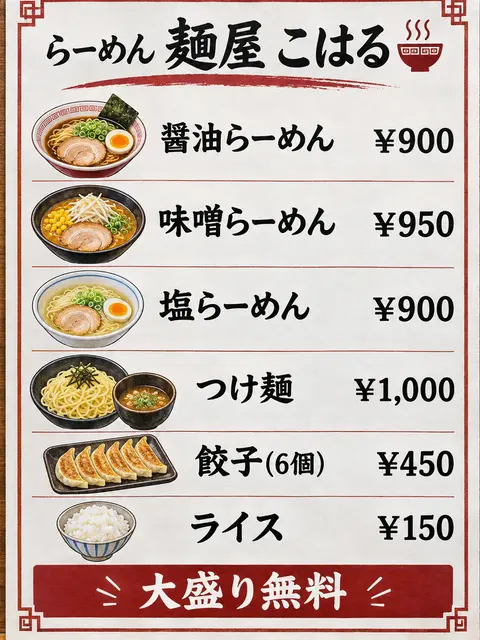
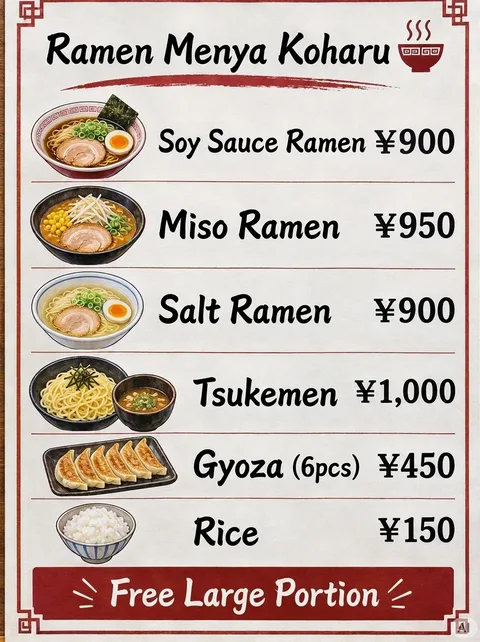
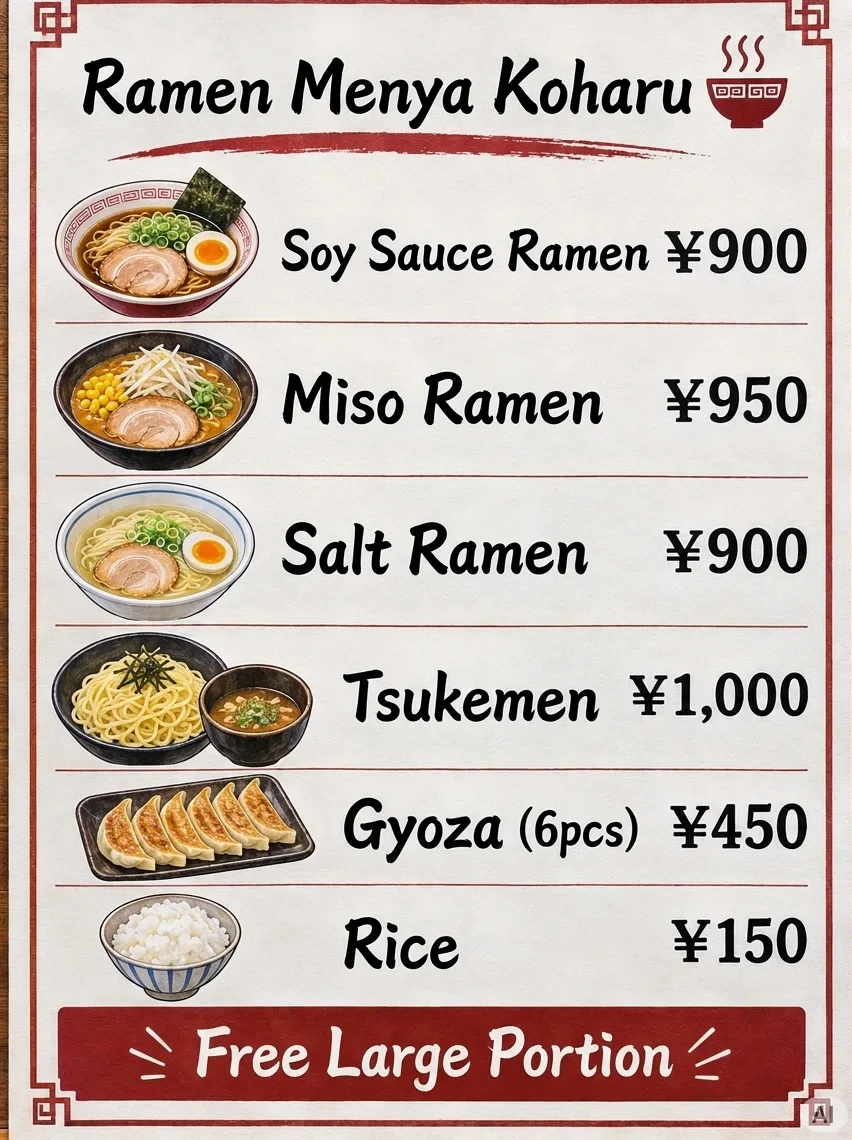
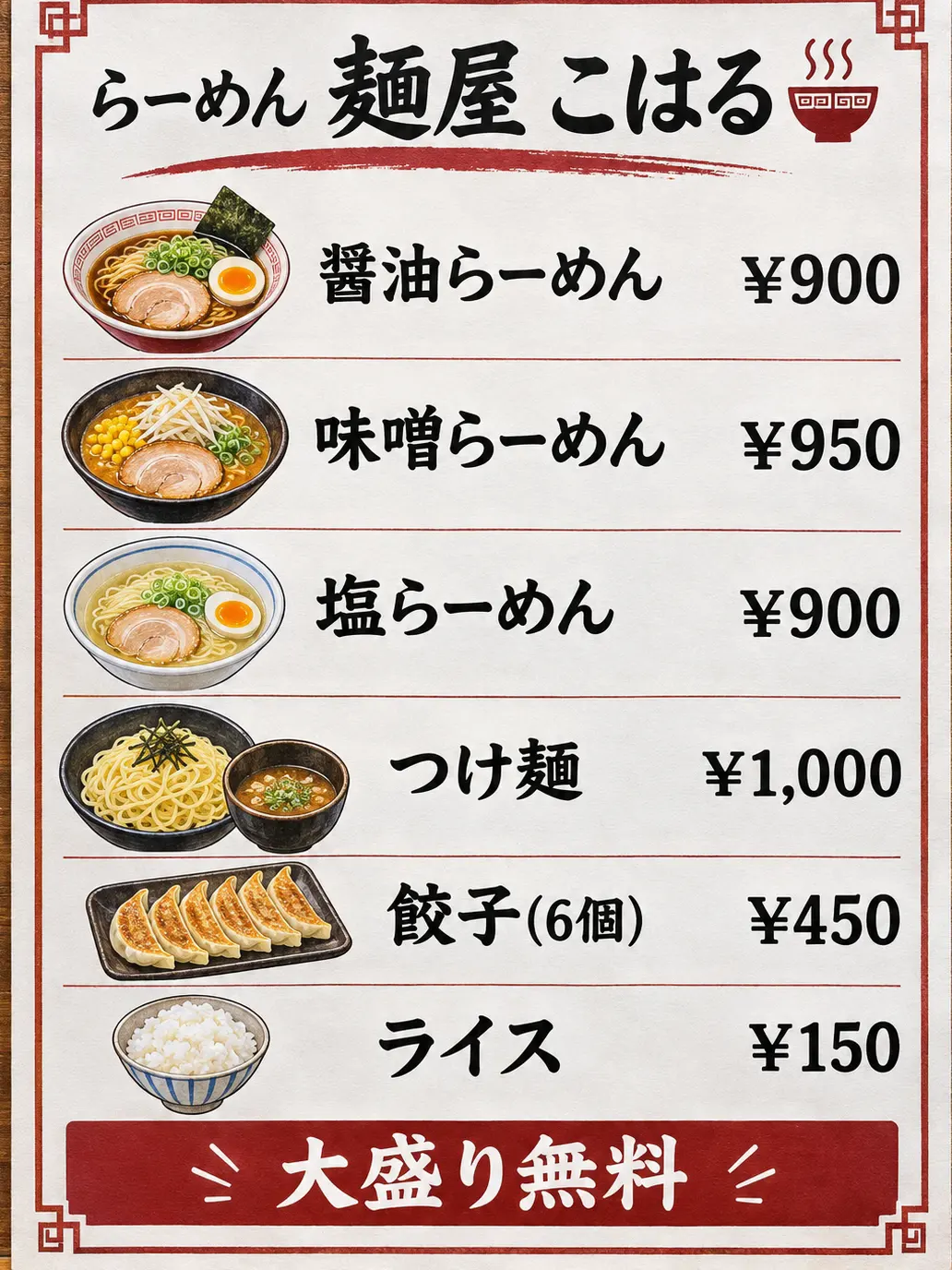
A Japanese ramen menu with prices, translated into English with the same layout and bowls: OriginalA Japanese ramen menu with prices, translated into English with the same layout and bowls: Translated
A real runJapanese → English, same layout and fonts

Output

Model

Size

Fast and low cost; strong on menus, signs and screenshots.

This translation costs27 credits
Sign up free: 27 credits

Your free credits cover one translated 1K image with its text panel (27 credits).

How it works

  1. 1

    Upload the image

    JPG, PNG or WebP up to 10 MB. Up to ten images per run, each translated as its own job.

  2. 2

    Choose English and the output

    The source language is detected automatically, or set it yourself. Choose a translated image, the text panel only, or both, and pick a size.

  3. 3

    Check and download

    Read the English lines in the text panel, compare them with the original, then download the translated image or copy the text.

Good for

  • Reading screenshots, documents and labels written in a language you do not know
  • Turning foreign posters, flyers and social graphics into English versions
  • Understanding menus, signs and tickets while travelling
  • Checking what a product photo or packaging says before you buy
A Japanese ramen menu with prices, translated into English with the same layout and bowls: TranslatedA Japanese ramen menu with prices, translated into English with the same layout and bowls: OriginalOriginalTranslated
jaen

A Japanese ramen menu with prices, translated into English with the same layout and bowls

Instruction: Translate every piece of text that is not already in English in this image into English. Keep the exact same layout, font style, size, colour, positions and background; change only the words. Keep the picture, people, objects, logos and numbers as they are, at the same size and position. Do not crop, zoom, add borders, captions or watermarks.

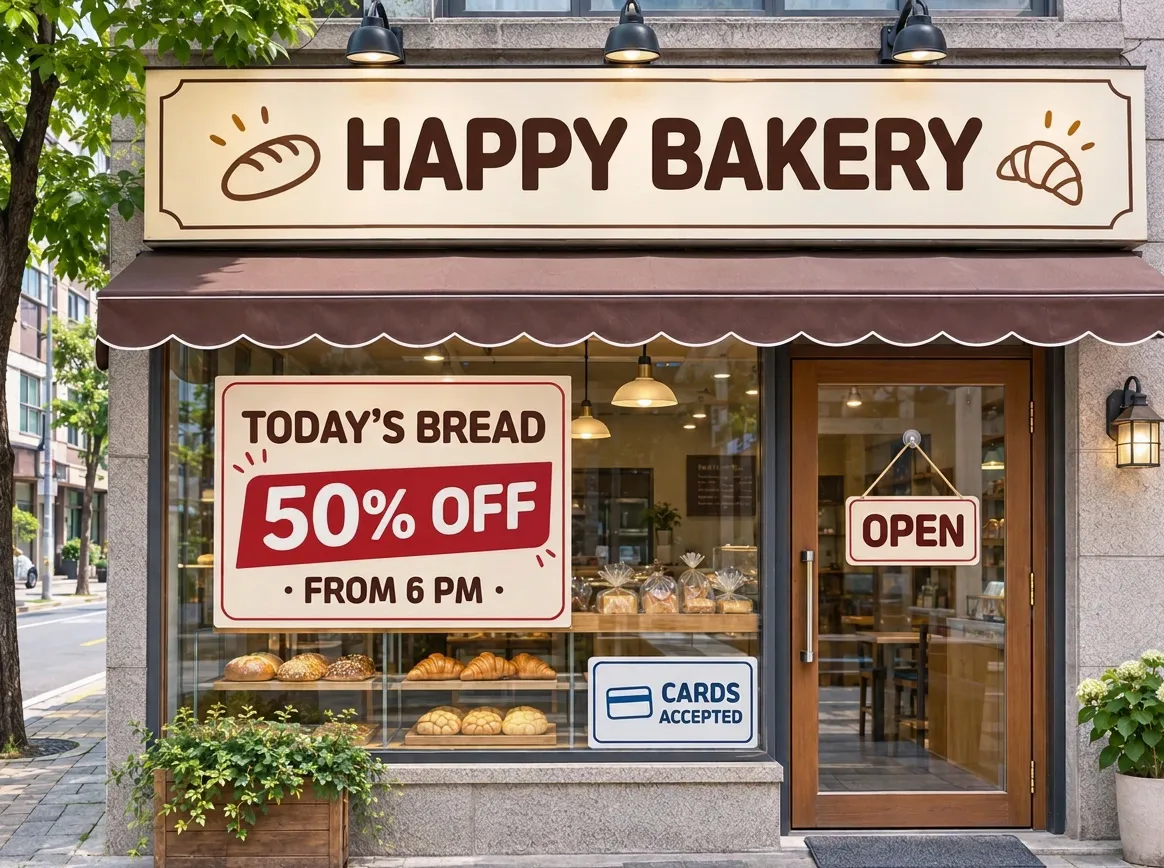
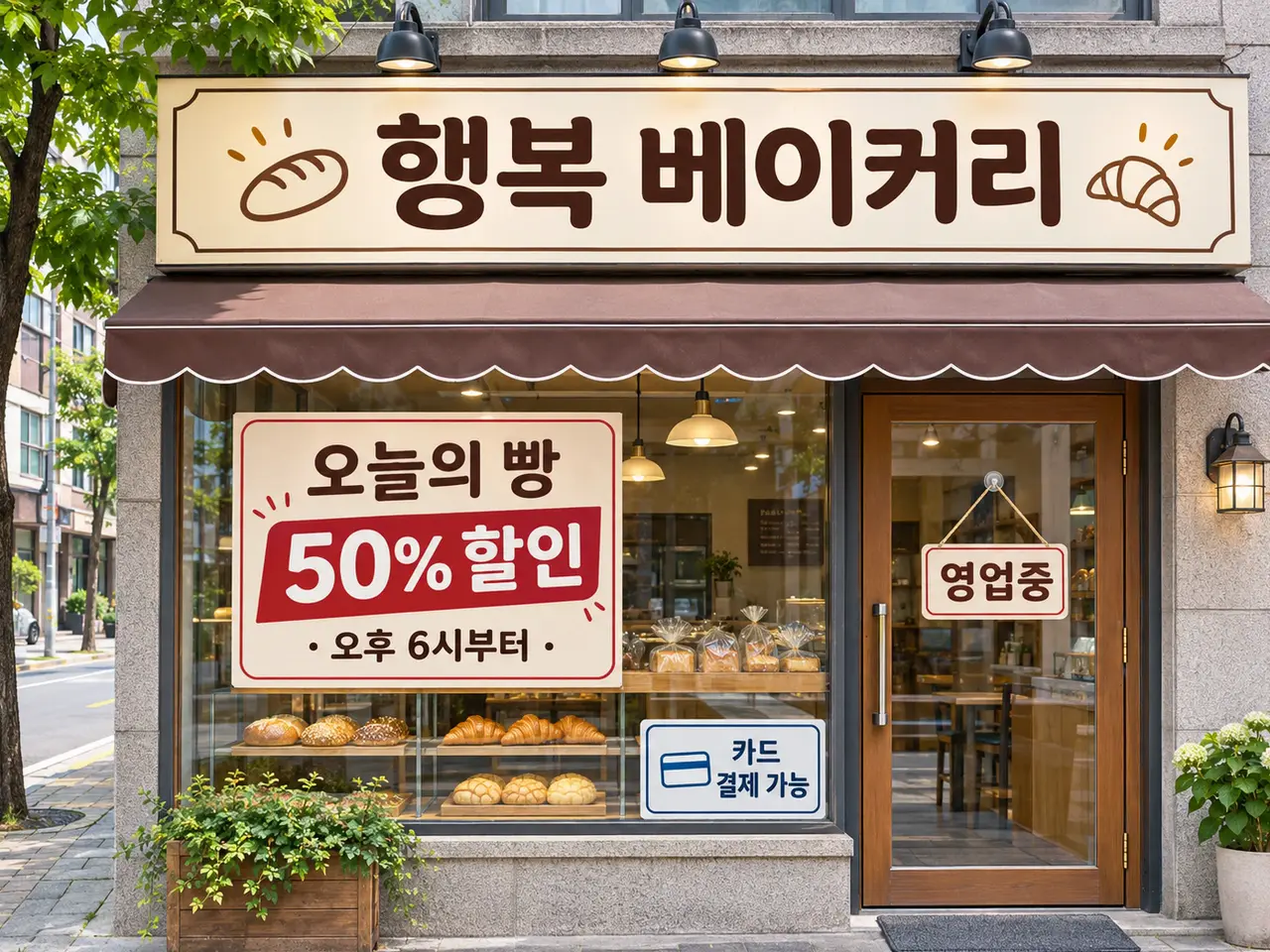
A Korean bakery shopfront with several signs, all translated into English in place: TranslatedA Korean bakery shopfront with several signs, all translated into English in place: OriginalOriginalTranslated
koen

A Korean bakery shopfront with several signs, all translated into English in place

Instruction: Translate every piece of text that is not already in English in this image into English. Keep the exact same layout, font style, size, colour, positions and background; change only the words. Keep the picture, people, objects, logos and numbers as they are, at the same size and position. Do not crop, zoom, add borders, captions or watermarks.

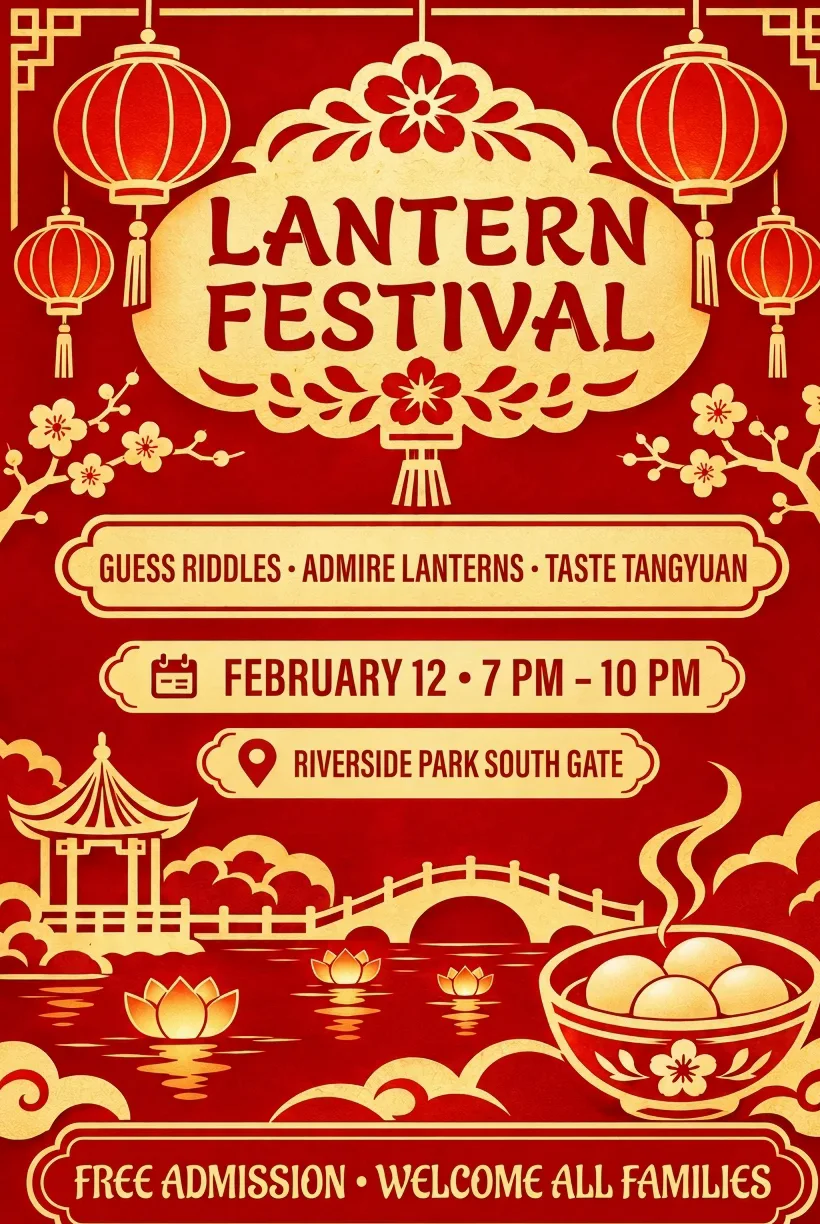
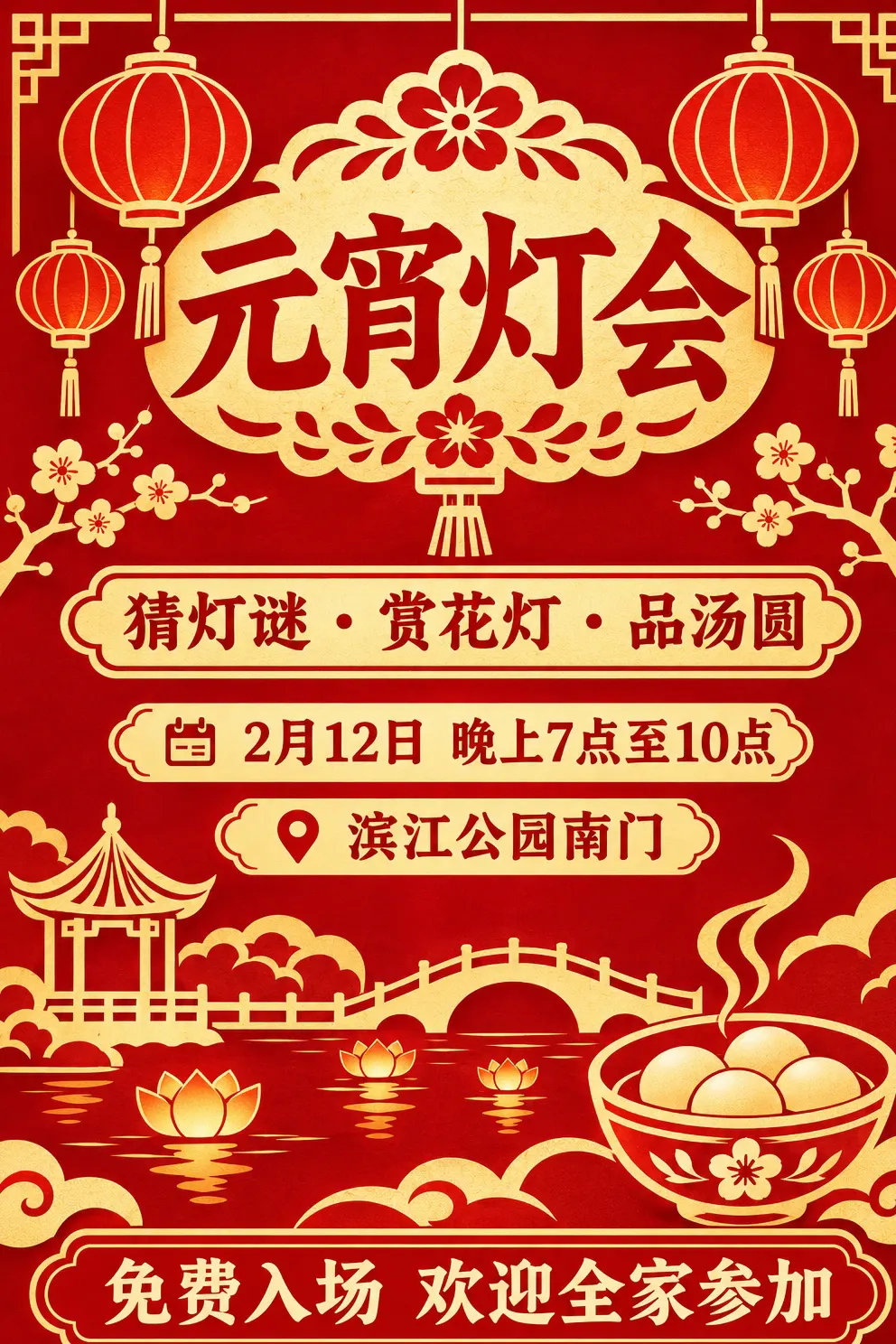
A red and gold Chinese lantern festival poster translated into English: TranslatedA red and gold Chinese lantern festival poster translated into English: OriginalOriginalTranslated
zhen

A red and gold Chinese lantern festival poster translated into English

Instruction: Translate every piece of text that is not already in English in this image into English. Keep the exact same layout, font style, size, colour, positions and background; change only the words. Keep the picture, people, objects, logos and numbers as they are, at the same size and position. Do not crop, zoom, add borders, captions or watermarks.

01

How image-to-English translation works

An image model studies the whole picture, finds each block of text and redraws it in English with a similar font, size and colour, leaving the photo or design behind it untouched. At the same time a separate model reads the original text and its translation into the text panel. The two outputs come from the same job, so you can read the English in the panel and see it placed in the picture.

02

Translated image or text only?

If you only need to know what an image says, text-only mode returns the panel by itself and costs less. If you need an English version of the picture, for example a poster to share or a product image for an English-language shop, ask for the translated image as well. The panel then doubles as your proofreading copy.

03

Languages it reads

The translator reads text in the common written languages and scripts, including Japanese, Chinese, Korean, Spanish, French, German, Arabic, Russian, Thai and Hindi. Detection is automatic, but setting the source by hand helps when an image mixes scripts, such as a Japanese poster with English brand names.

Credits per image

The translator shows the exact cost before you run anything. Plans and credit packs

ModelGood for1K2K4K
Nano Banana 2.1Everyday images: menus, signs, screenshots162334
GPT Image 2Posters, ads and dense lettering233861
Gemini 3 FlashText panel: every line and its translation11

Questions

Can I translate an image to English for free?

New accounts get one free grant after confirming their email, enough for one translated 1K image with its text panel. After that, translations use credits from a plan or a credit pack.

Does the English text match the original design?

The image model keeps the layout, colours, background and general type style. English is often shorter or longer than the source, so line breaks can change; GPT Image 2 keeps line lengths closest to the original.

Can I copy the English text?

Yes. The text panel lists each original line with its English translation. Copy it or download it as a TXT file.

Is the translation accurate enough for official documents?

No. It is suited to reading, travel, shopping and marketing graphics, not to certified, legal or medical translation. Use a qualified translator where an official translation is required.

What if some text is missing from the result?

Very small, dense or stylised text can be skipped. Check the panel, then crop closer or upload a sharper copy and run it again, which is a new job.